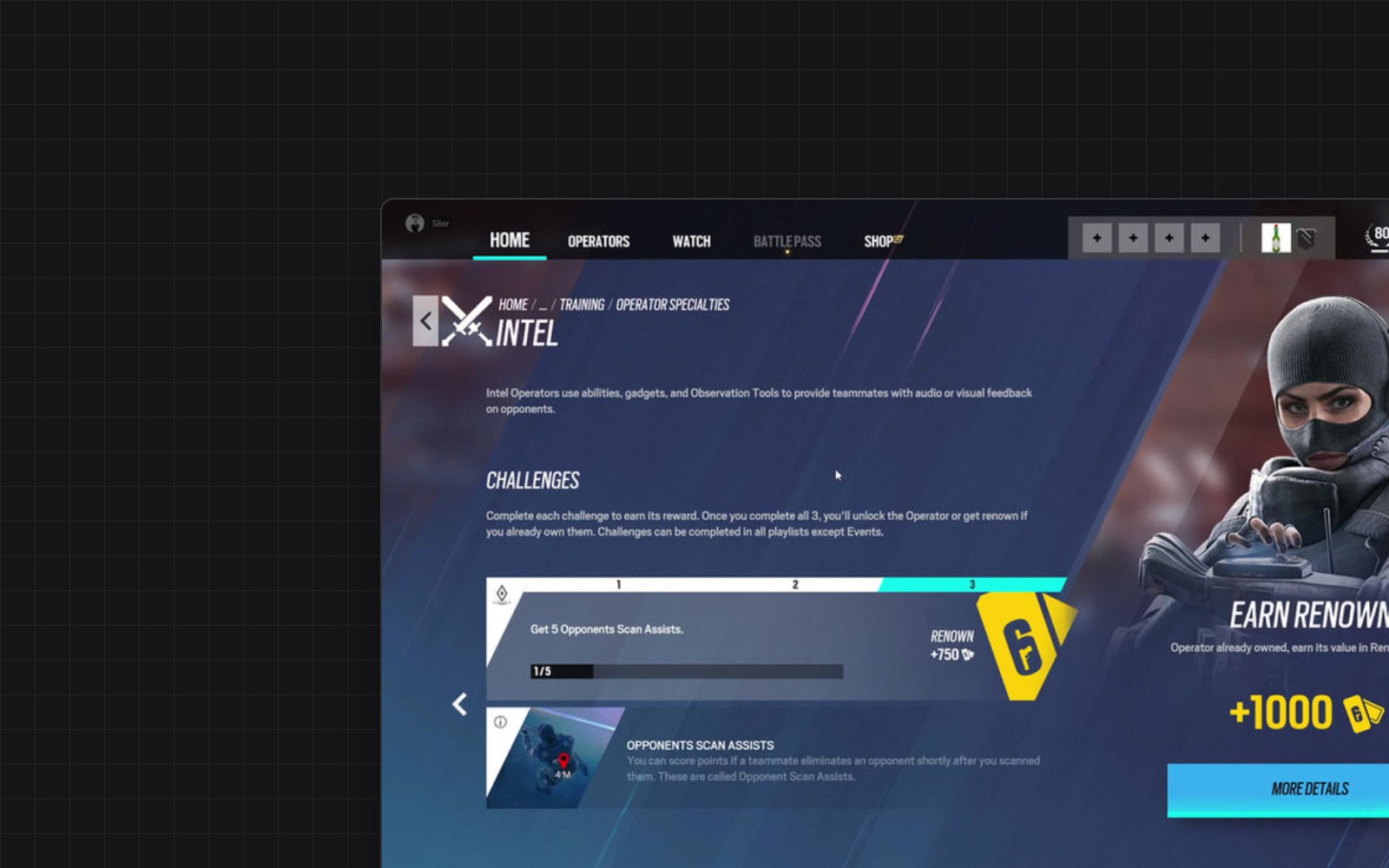
Tutorial guidance
Overview
Tutorials built on a three-step teaching loop: explanation → existing knowledge → exploration. Each task introduces one idea, connects it to what players already know and lets them try it straight away.
Challenge
Guiding users through complex mechanics without front-loading too much information.
Solution
An objective and guidance system for Tutorials that adapts to what each player already knows.
Impact
Tutorials that are learnable and skippable: depth when players need it, out of the way when they don’t. Part of the new-player experience behind the FTUX retention lift.
Tools
Learning-science research, Miro, Ubisoft's 3D engine, Jira, user tests with the research lab, Axure RP and Excel.
Growth summary
- Metric
- Learning: whether players can do each task on their own.
- Hypothesis
- Help that adapts to what players already know teaches complex mechanics without overload.
- Test
- User tests with the research lab, and the Learn loop study: user tests, interviews and surveys.
- Result
- Only the players who needed more help stopped for the extra media. Some pings and level-design cues weren’t clear enough.
In depth
The methods and tools I chose for this project. They change with every project, depending on what the problem needs.
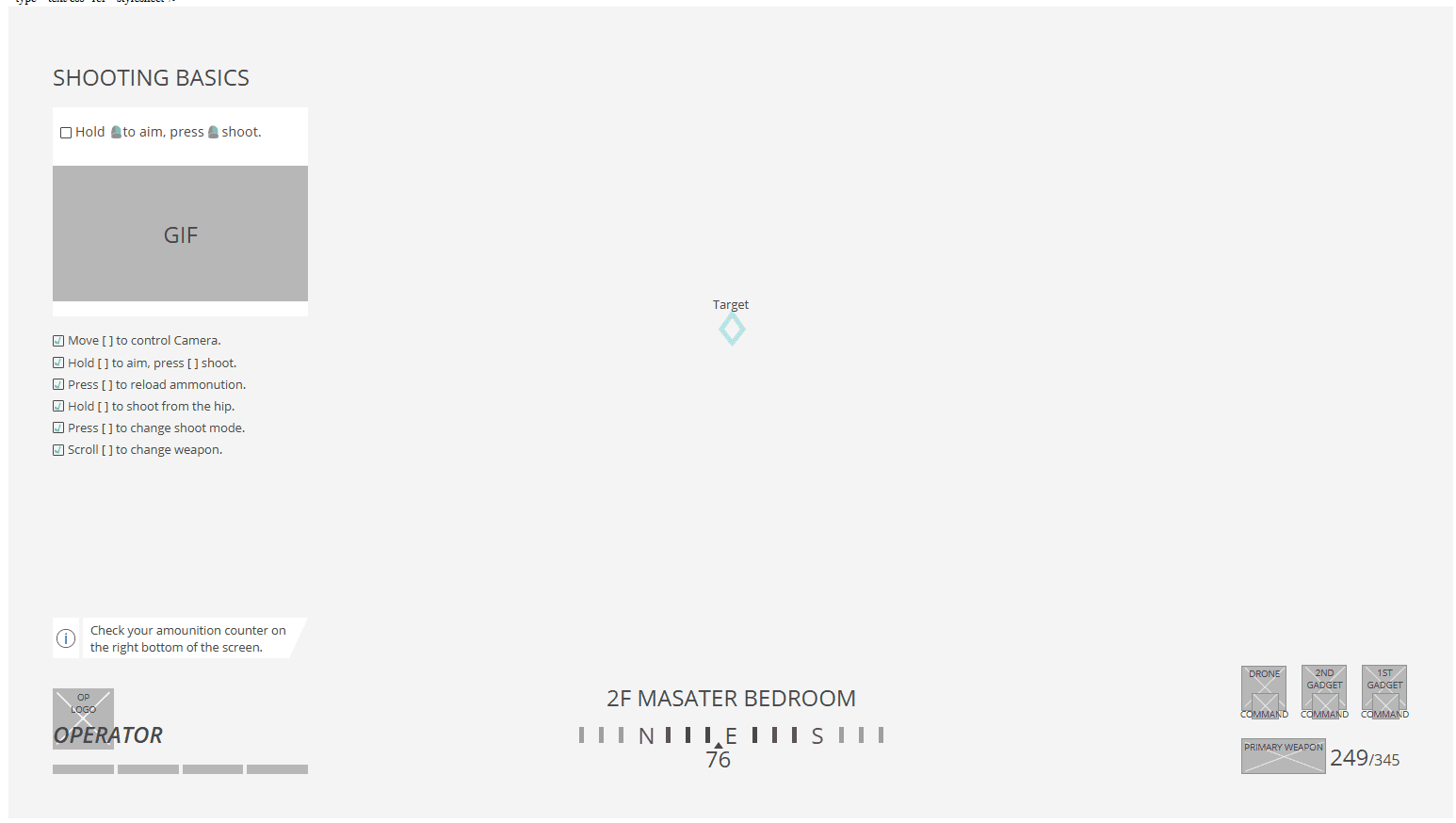
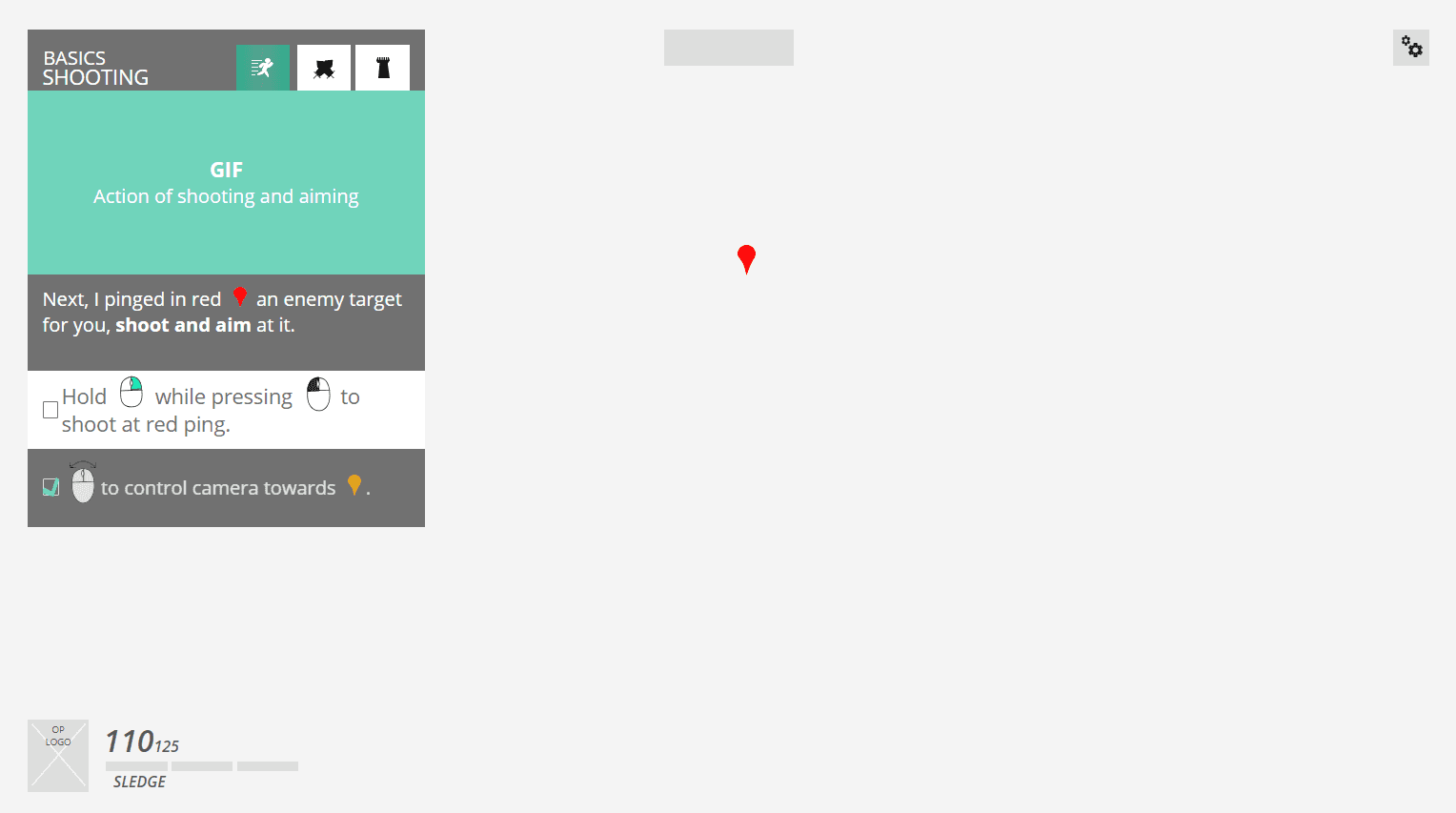
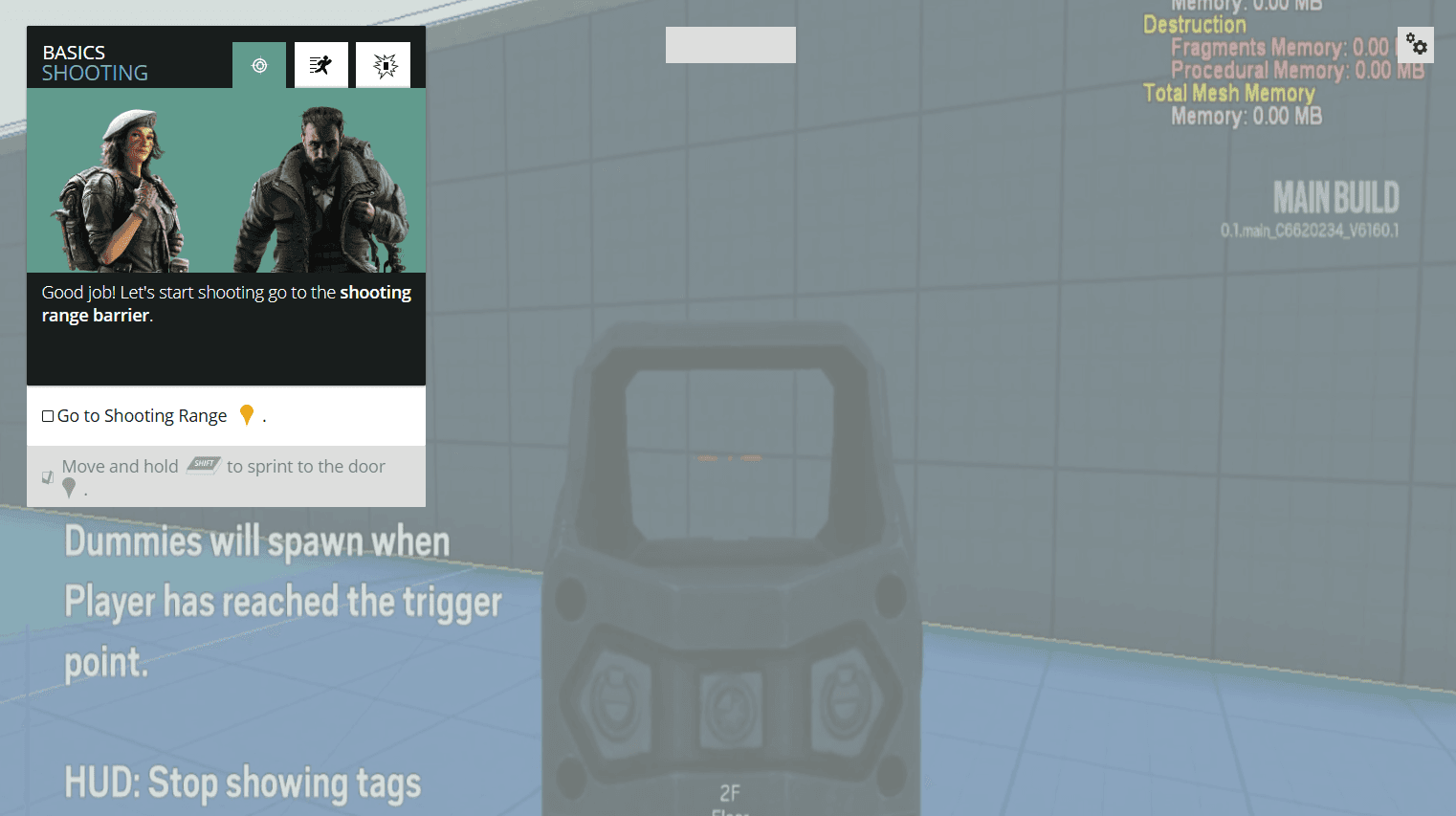
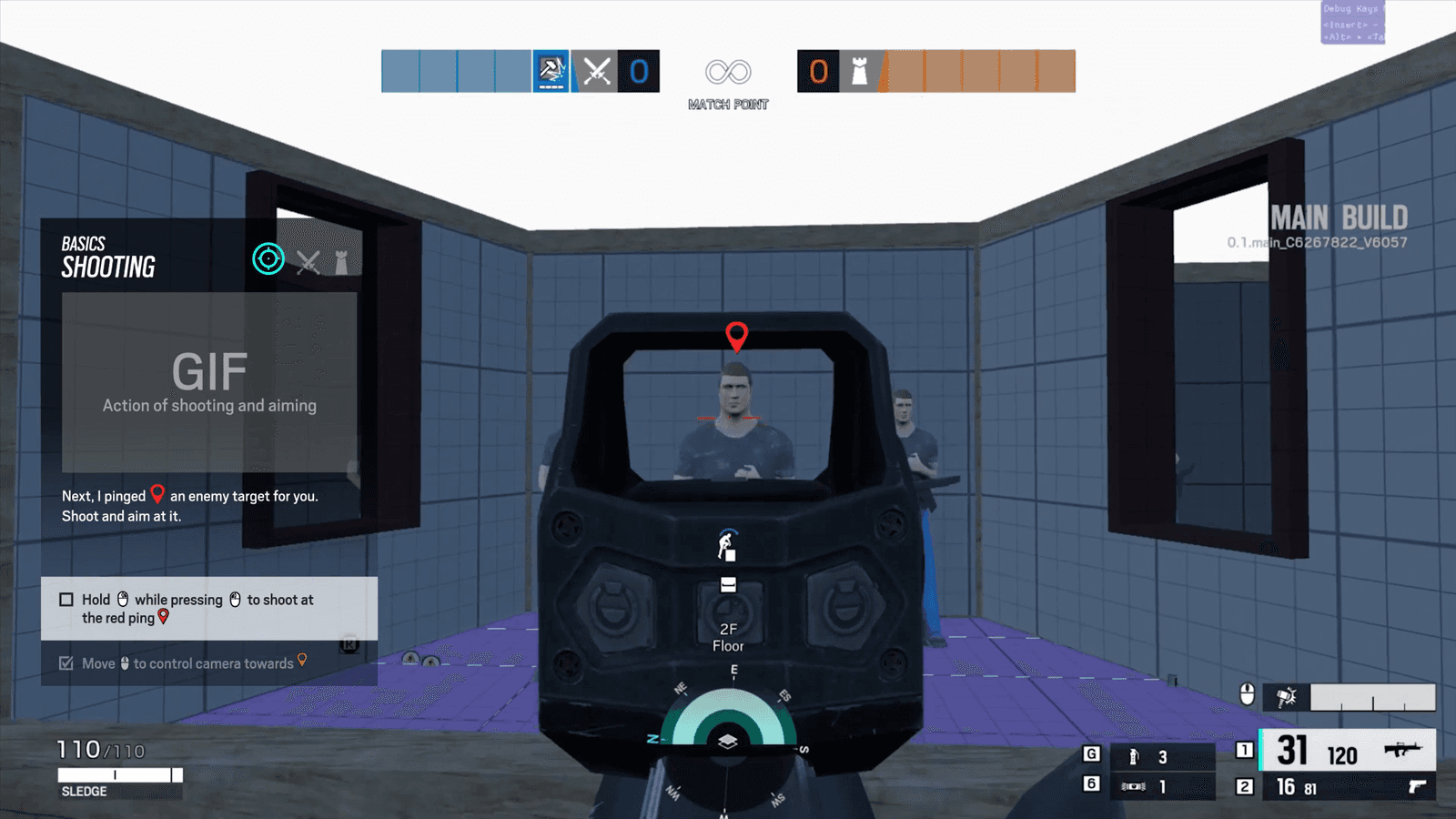
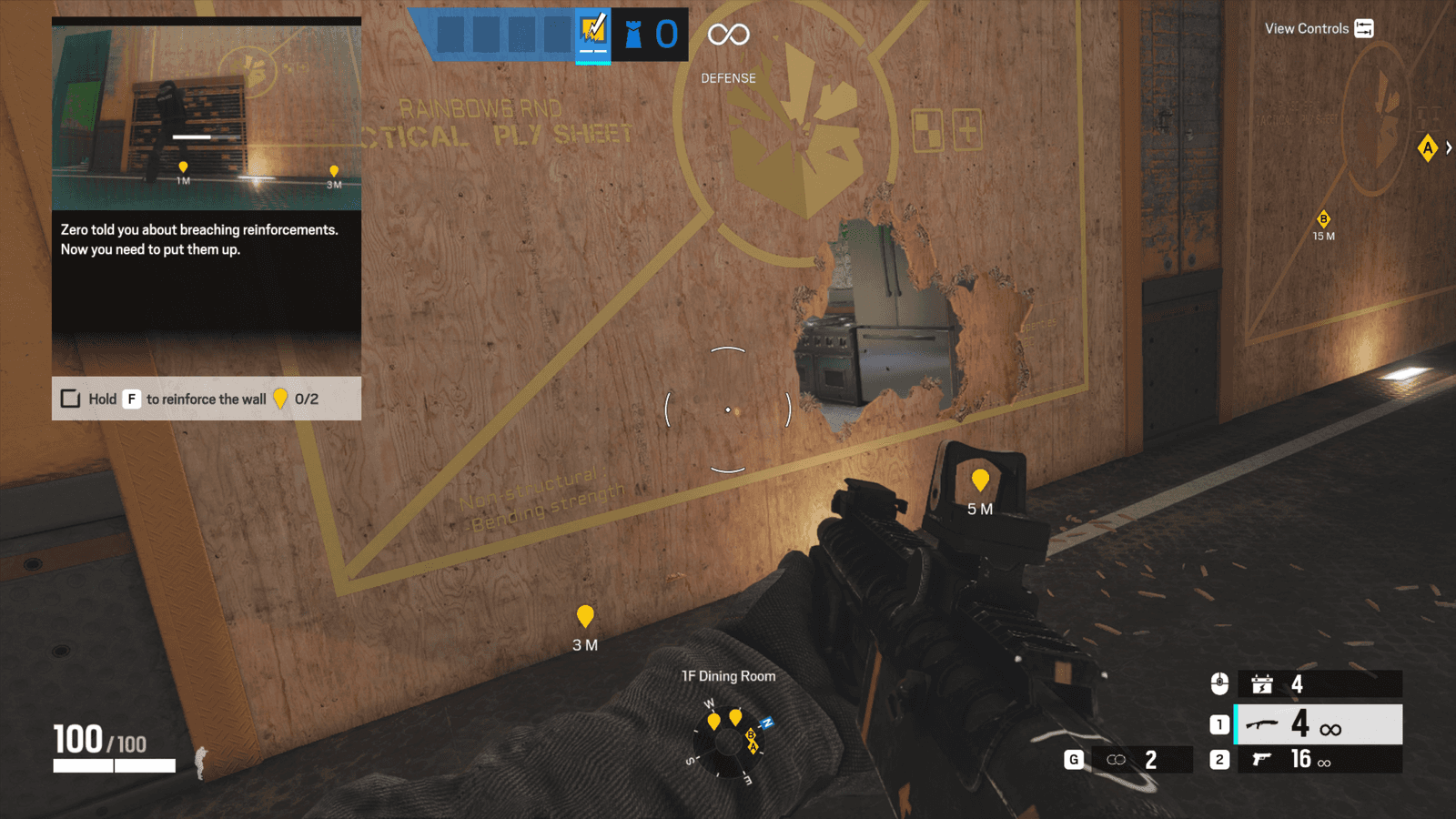
Task loop
1. Explanation
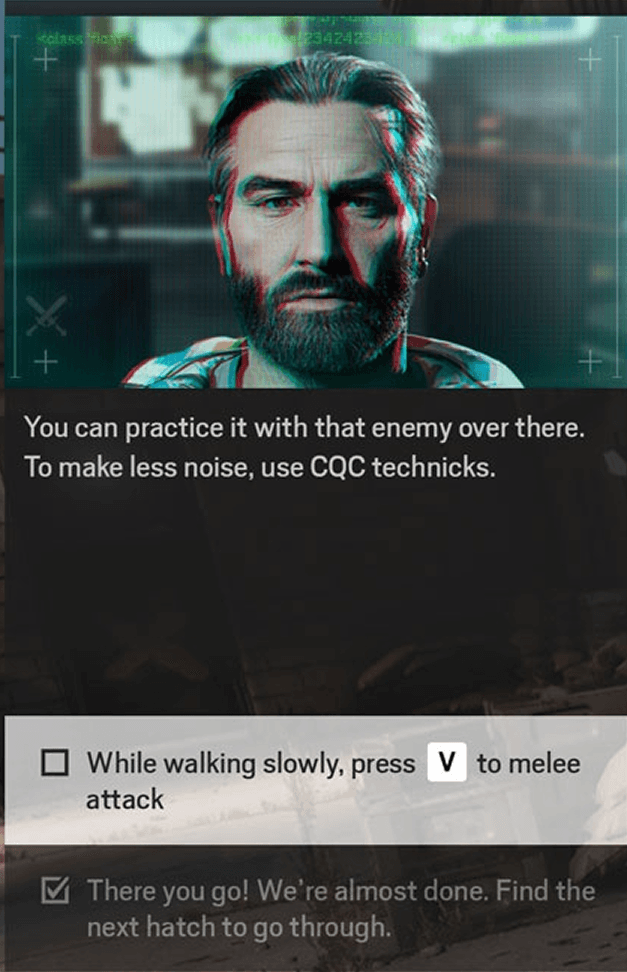
New concepts are explained through:
- The in-game TV (comms display).
- Caster dialogues.
- Ongoing objectives.
- New signifiers.
2. Existing knowledge
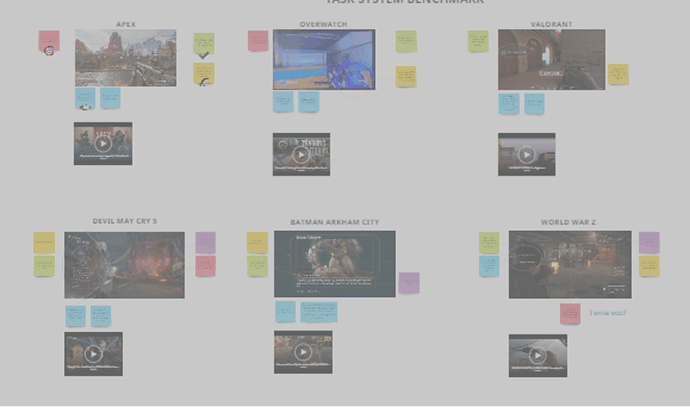
Building on what players already know from other games, so new concepts feel familiar.
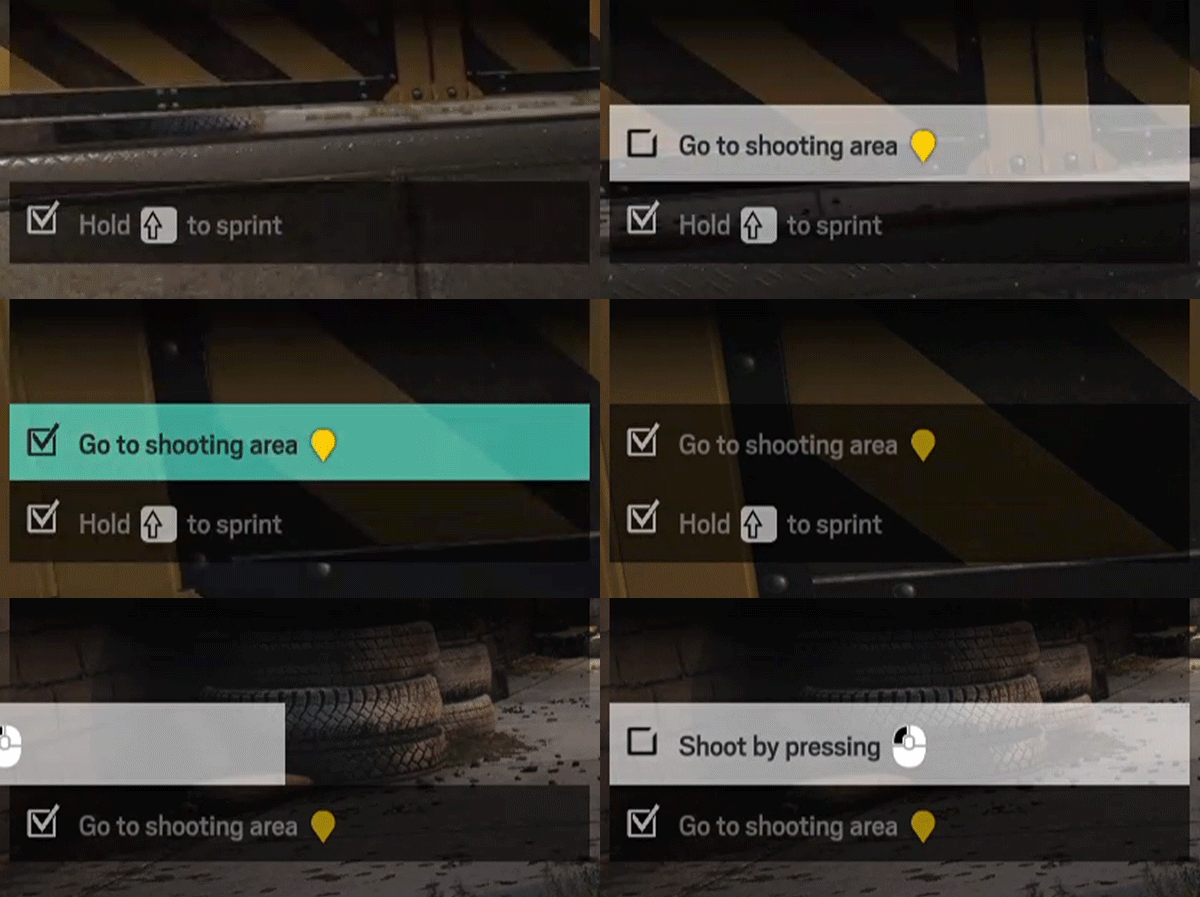
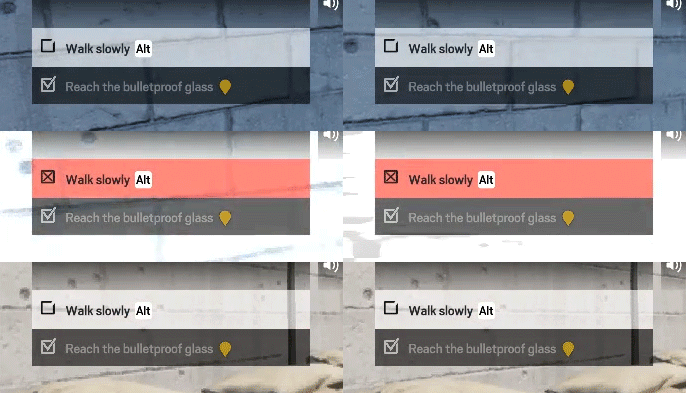
3. Exploration
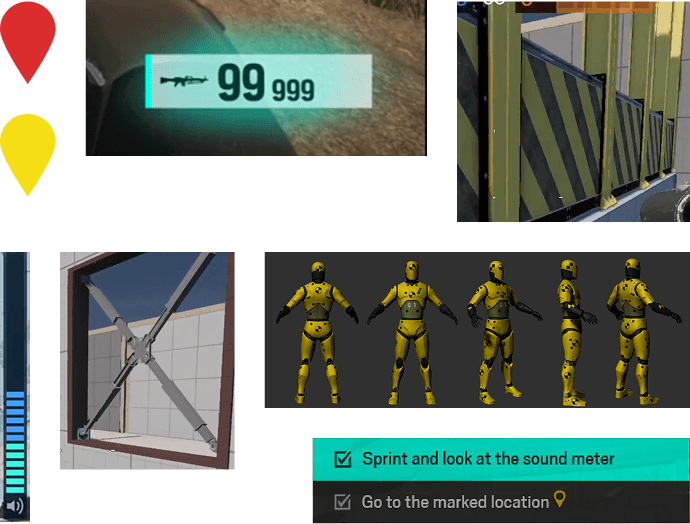
Players put the explanation into practice, supported by:
- Feedback: objective completed, sound and VFX on hit, the dummy disappearing.
- Signifiers that fade out as players progress.
- In-world, skeuomorphic cues.
Explanation: comms display
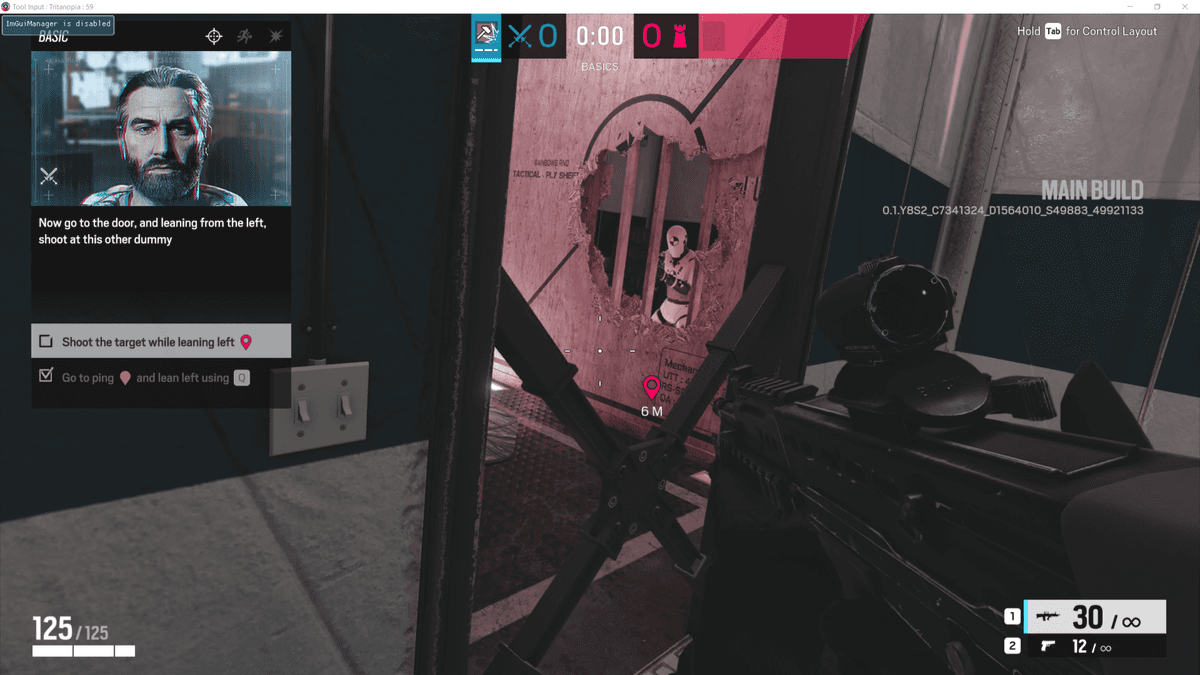
The comms display changed state to match each player: more help for those who knew less, less for those who knew more, plus error prevention and pacing.


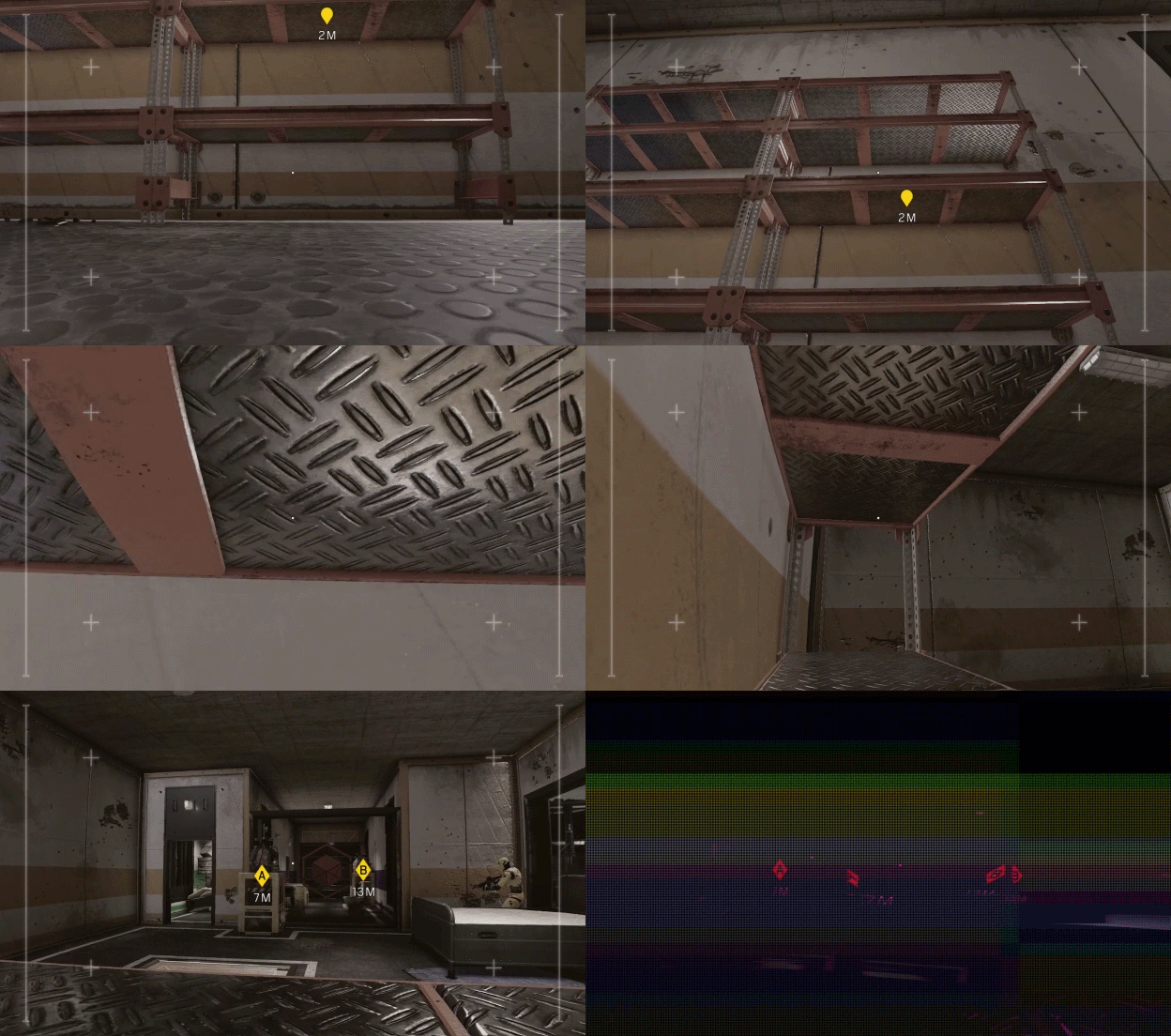
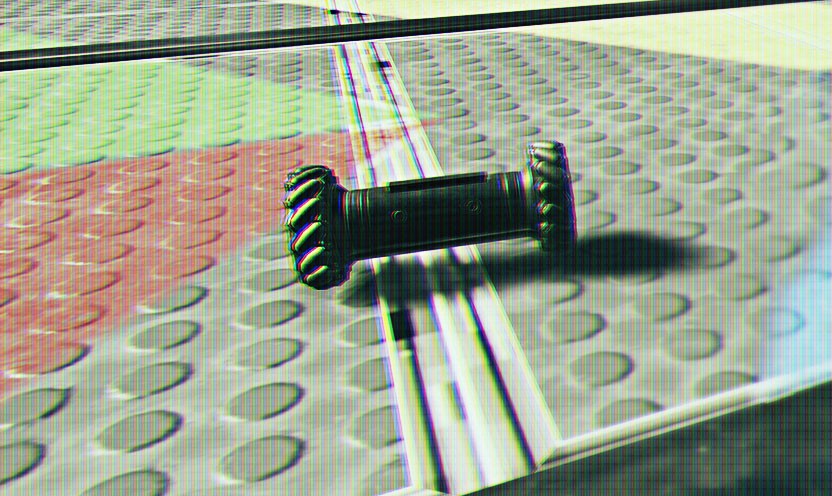

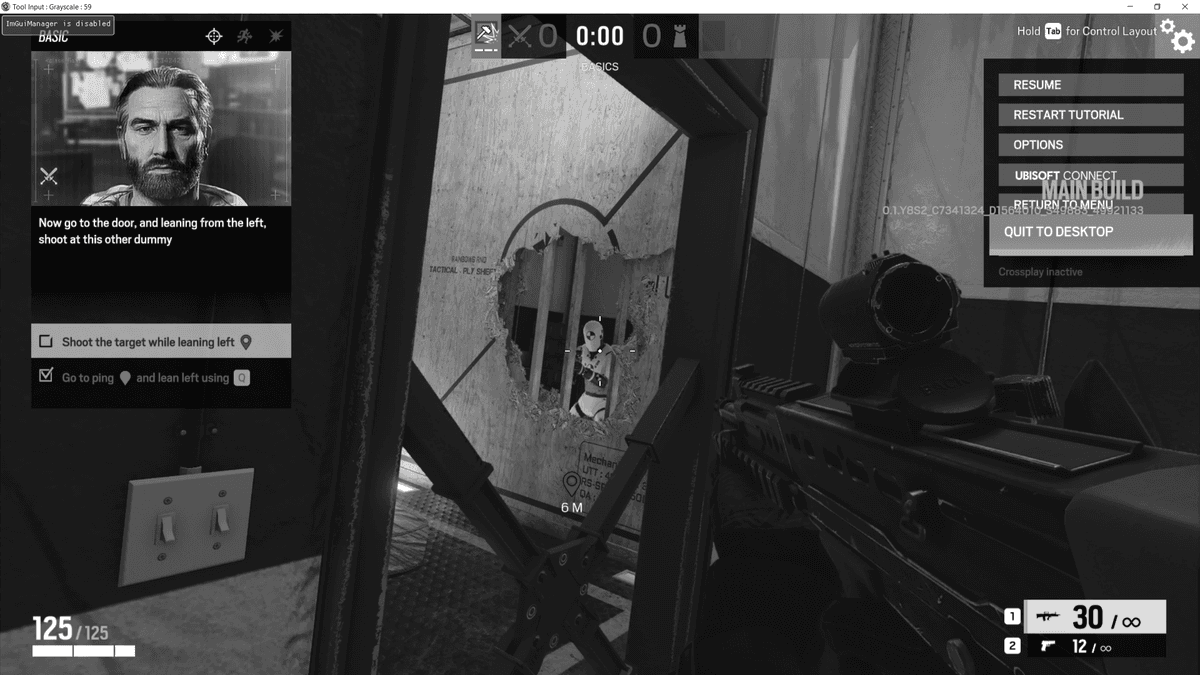
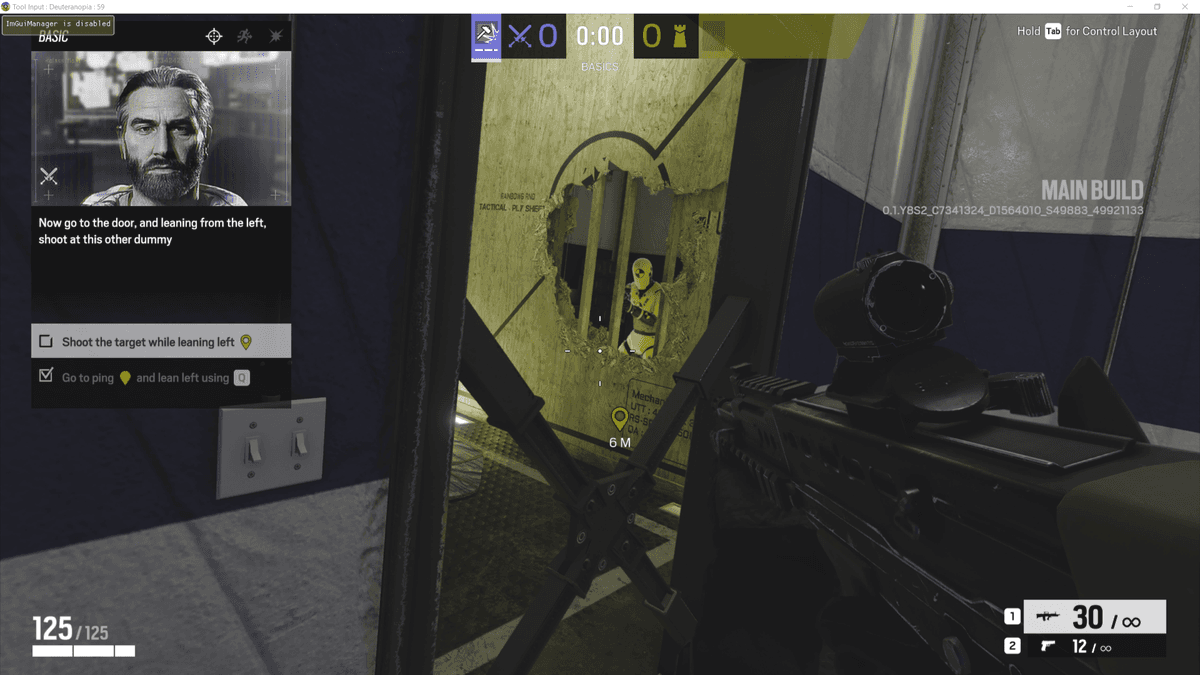
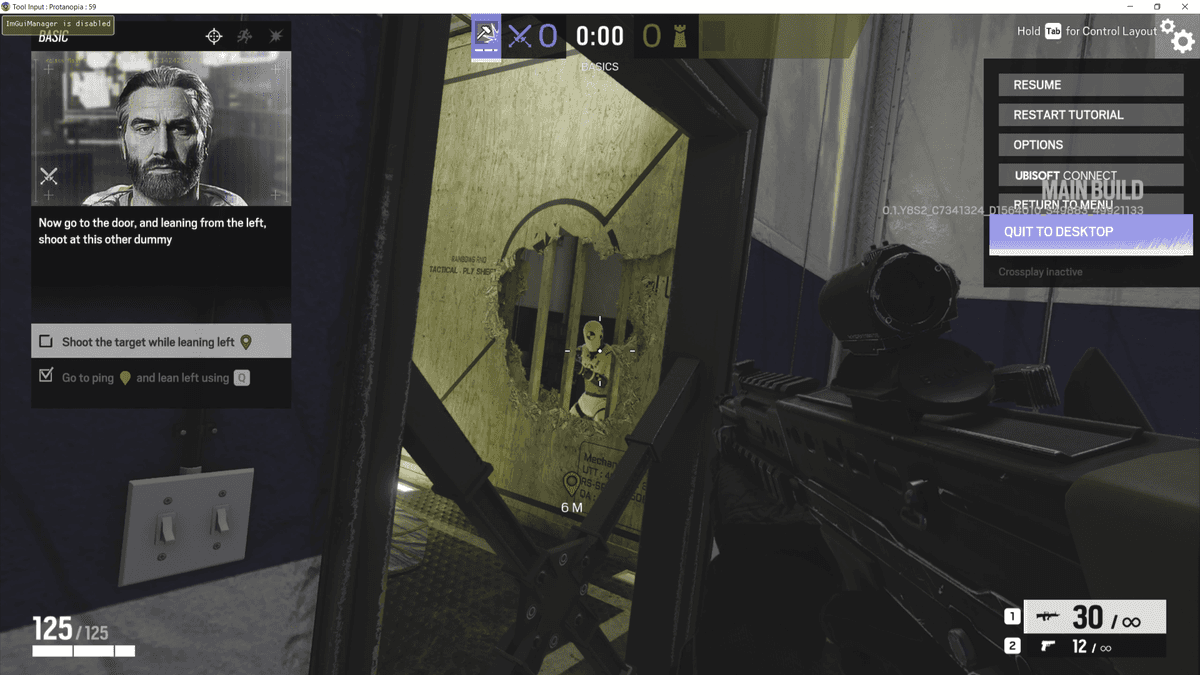
Accessibility checks: color blindness
Insights
Key takeaways from the project.
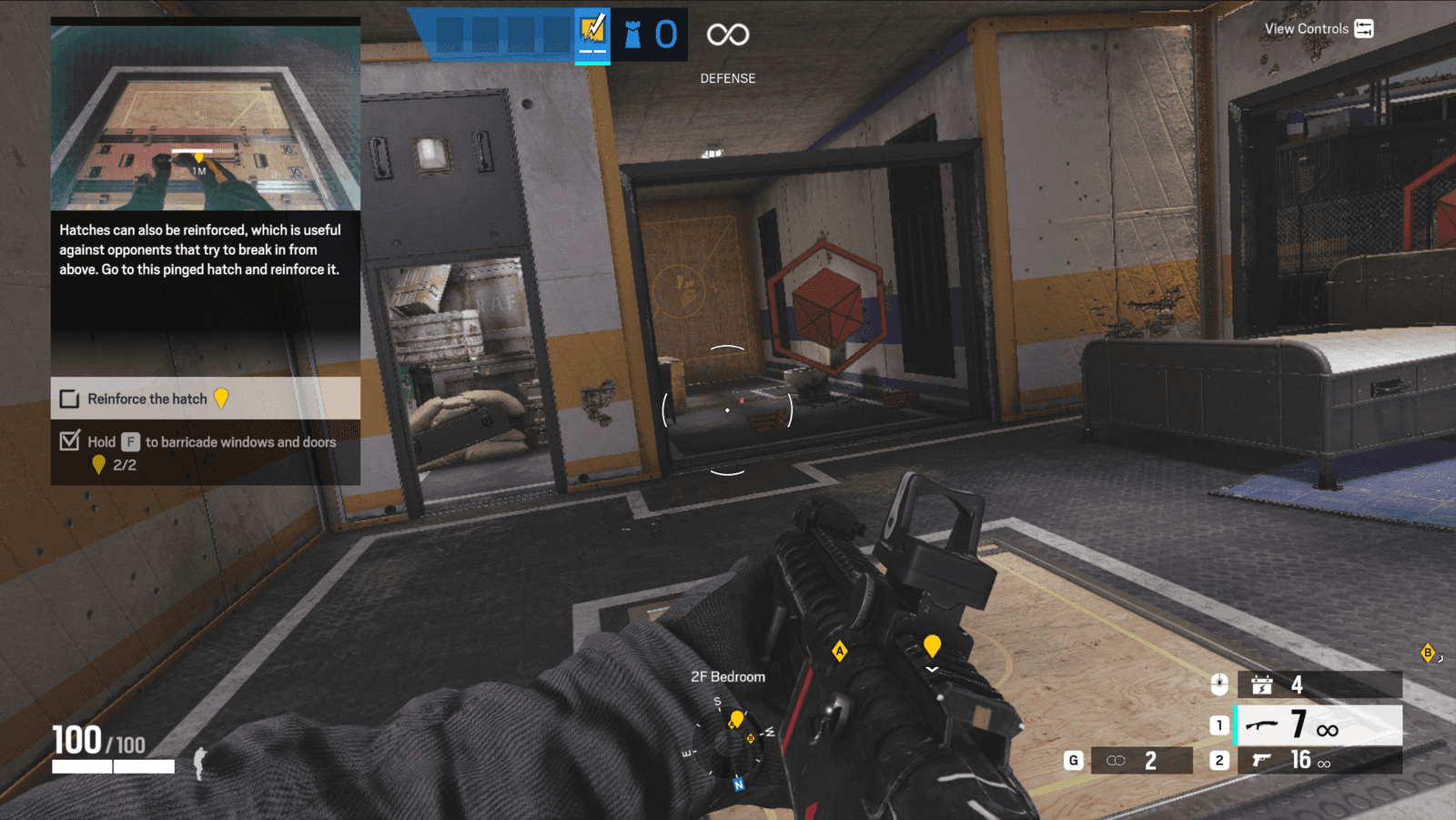
- Reusing the game's language has a cost. We reused the game's own signs and feedback so players wouldn't have to learn a new language, but some pings and level-design cues weren't clear enough.
- Adaptive help fits every level. In continuous tests, only the players who needed more help stopped to watch the extra media.
- Clear feedback teaches concepts and motor skills. Players always knew what they had done right and what to repeat.